
How to add Wiswell Insurance as your broker
Authorize Julia Wiswell on your Connect for Health Colorado account. It takes about two minutes.
Julia Wiswell is the owner of Wiswell Insurance and needs to be authorized on all accounts. You will continue to communicate with your existing broker.
Step 1
Log in to your account
Go to Connect for Health Colorado and log in to your account.
Log in to Connect for Health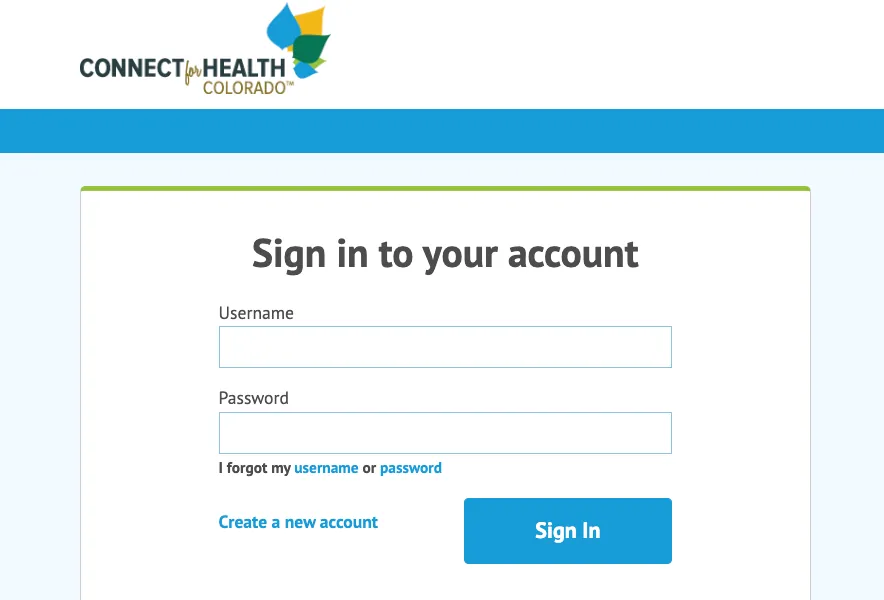
Step 2
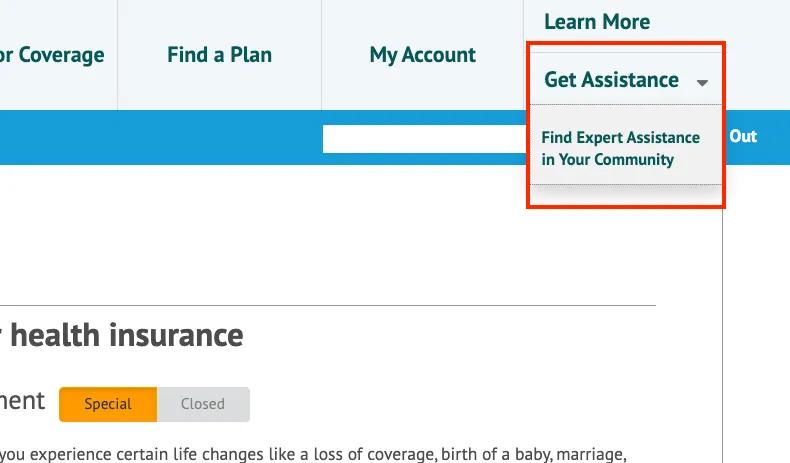
Open Get Assistance
Select the drop-down arrow next to Get Assistance in the top right corner, then click Find Expert Assistance in Your Community.
Step 3
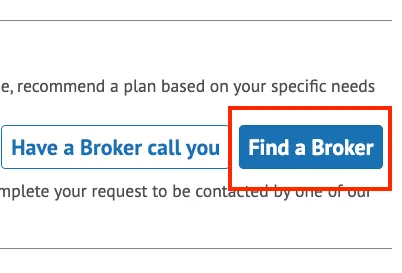
Find a broker
Click the Find a Broker button.
Step 4
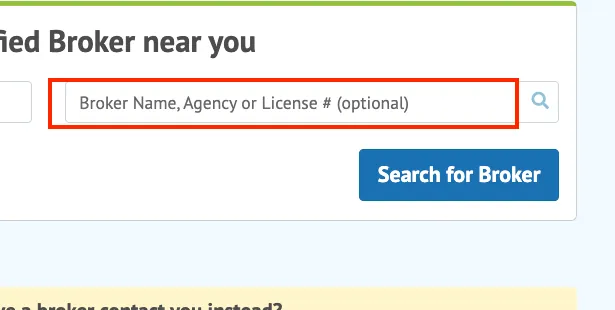
Search for Julia Wiswell
Enter "Julia Wiswell" in the search field and click Search for Broker. Julia is the owner of Wiswell Insurance and needs to be authorized on all accounts. You will keep working with your own broker.
Step 5
Choose authorize
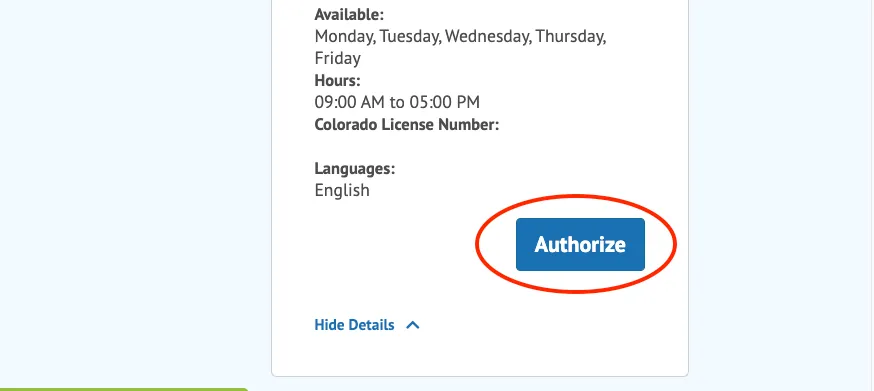
Click the drop-down arrow next to More Details, then click Authorize.
Step 6
Confirm
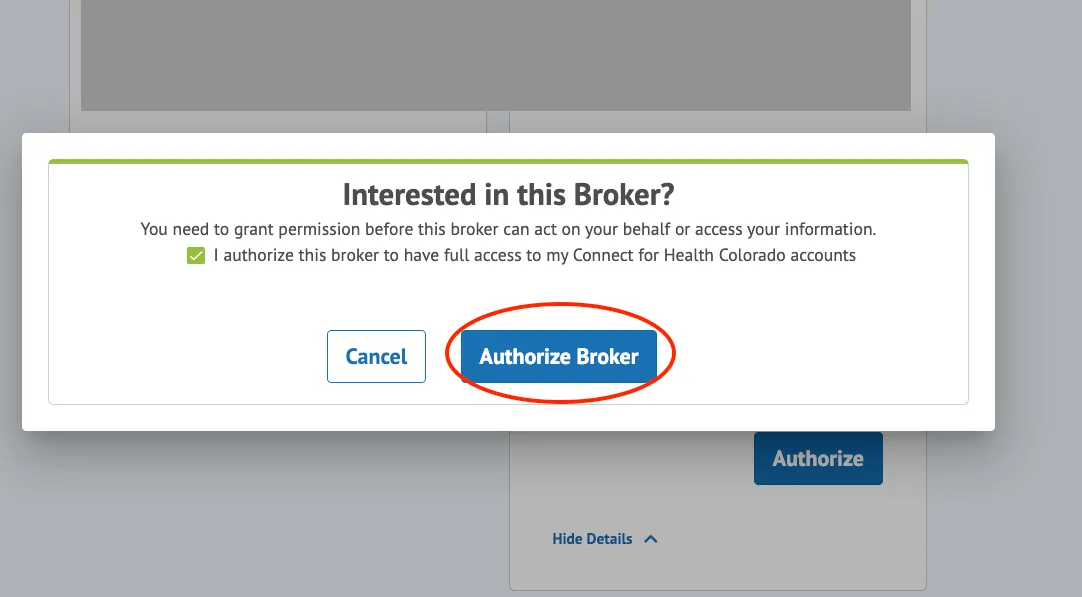
Check the box and click Authorize Broker. That's it.
Talk with a Wiswell broker
There is no cost to work with us. Tell us what you need and we will walk you through every option.